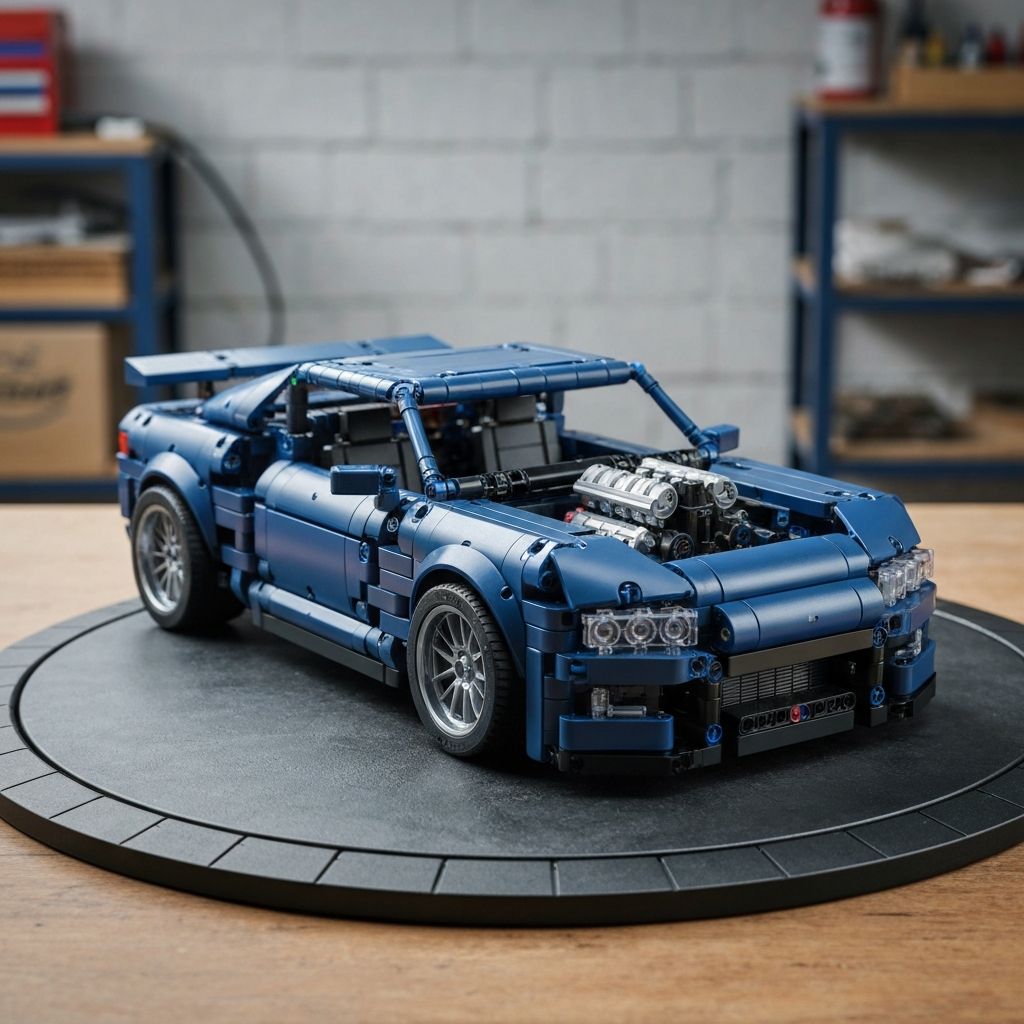
You want to build complex vehicle models. Official brand sets often cost hundreds of dollars. You do not need to spend that much to enjoy an advanced building experience. Premium alternative bricks offer the exact same mechanical functions and display quality at a fraction of the cost — saving builders 40–70% on every set.
This guide explains how to select the best sets for your collection. You will learn how to identify quality ABS plastic, sort and assemble complex gearboxes, and maintain your completed models for years to come. Discover all building guides at MOREBYBOURN.
How to Identify High-Quality Technic Alternatives
You must verify part quality before you buy. Bad parts ruin the building experience. Loose pins make models fall apart. Tight axles hurt your fingers. Look for these specific quality indicators when shopping for cheap Technic cars.
Evaluate Plastic Quality
Premium sets use high-grade ABS plastic. Bricks should feel heavy and consistent in color. The surface should have a faint shine — dull or chalky plastic indicates cheaper materials.
Test Clutch Power
Pins must click securely into place and not slide out during play. Check community reviews for clutch power ratings before purchasing any Technic-style set.
Check Instruction Clarity
Good manuals show parts at 1:1 scale, highlight additions per step, and use distinct colors for pin types. Poor instructions lead to gearbox assembly errors.
Choosing the Right Set for Your Skill Level
You must choose a set that matches your experience. Beginners get frustrated by large models. Advanced builders get bored by simple cars. Pick the right scale to ensure a rewarding build.
Introduces steering racks and basic suspension. Perfect for families and first-time Technic builders. Completable in a single afternoon.
Features moving engine pistons and differential gears. Requires focus and patience. Ideal for IT professionals and designers unwinding after work.
Multi-speed gearboxes and independent suspension. Takes multiple sessions to complete. Delivers the highest satisfaction and display value.
Building Techniques for Complex Alternative Technic Models
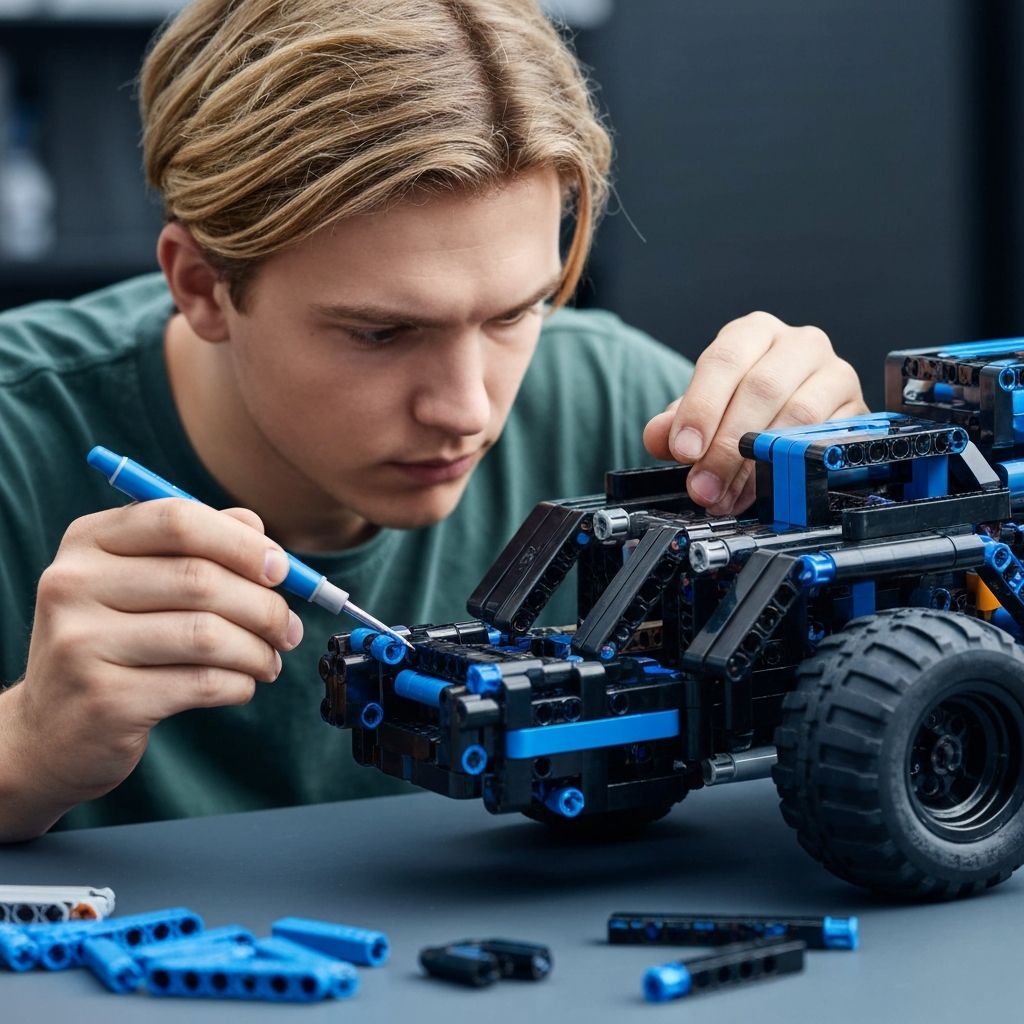
Sorting Technic pins and axles by type before building is essential for complex gearbox assembly.
Sort Parts by Phase
Open only the numbered bags for your current build phase. Use plastic sorting trays — black pins in one section, blue pins in another, gears grouped by size, axles by length.
Test Gear Rotations Early
After connecting each gear cluster, spin it manually. Gears should turn freely with no friction. Binding means a gear is pressed too tightly against a beam — fix it before building further.
Align Axles Precisely
Follow instruction angles exactly for crankshaft and engine components. Incorrect axle orientation causes pistons to jam. Look closely at the 3D angle shown in each manual step.
Add Motorization Last
Once the static model is verified functional, install battery boxes, receivers, and L-motors. Connect servo motors for steering. Test the drivetrain before attaching bodywork panels.
Motorization and Customization Tips
Many alternative Technic sets support power function upgrades. Install battery boxes and L-motors for driving, servo motors for steering, and a 2.4 GHz remote or smartphone app for control. LED kits can be routed through Technic beam channels to light up headlights and dashboards without visible wiring.
You can also modify bodywork with spare parts — change spoiler color, swap wheels, or extend the chassis. Join community forums to share your custom builds. Buy extra quality alternative bricks to expand your design options.
Essential Do's and Don'ts for Technic Builds
Do
- Open only the bags needed for your current build phase
- Test all gear rotations before sealing the chassis
- Follow axle orientation angles in the manual exactly
- Store completed models in UV-protective acrylic cases
- Use LED desk lighting — never fluorescent — when building
Don't
- Force pins into beams — correct sizing should require only light pressure
- Expose completed models to direct sunlight — UV fading is irreversible
- Use wet cloths to dust models — use a soft brush or compressed air
- Open all bags at once — loose Technic pins disappear easily
- Skip gear rotation tests to save time — you cannot access the gearbox later
Maintenance and Display Strategies for Long-Term Value
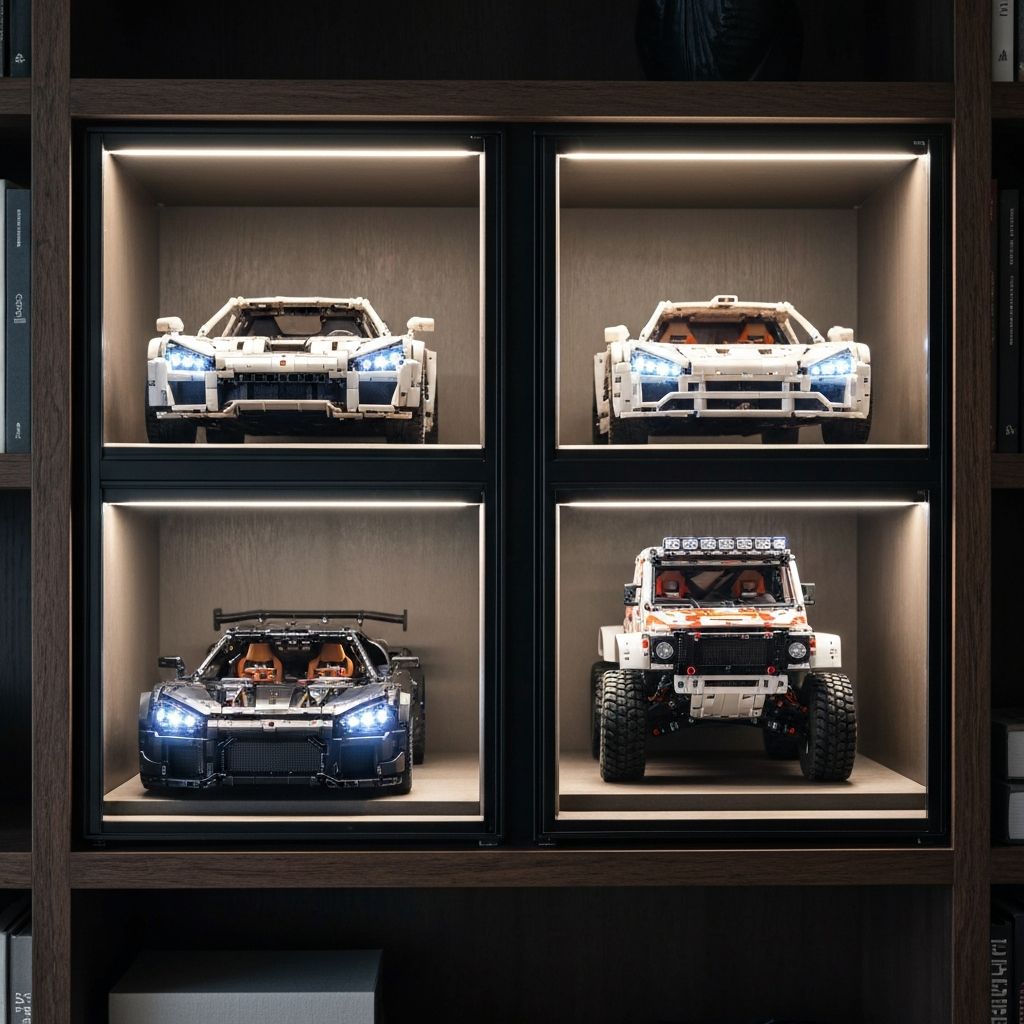
UV-protective acrylic display cases preserve ABS color fidelity and protect complex Technic models from dust buildup.
Use Acrylic Display Cases
Place your completed vehicle inside a clear acrylic case. Dust sticks to Technic panel gaps and is very difficult to remove. A case keeps the model pristine indefinitely.
Avoid Direct Sunlight
UV light fades ABS plastic. White bricks yellow, red bricks turn pink. Keep models under LED lighting only — LEDs produce no harmful UV output.
Clean Models Safely
Never use wet cloths on Technic builds. Use a soft makeup brush or compressed air. Hold the air can at distance to avoid dislodging small pins.
Premium Builds at Practical Prices
Alternative building blocks give you total creative freedom. Clear your desk, sort your parts, and begin assembly. Discover how to buy quality bricks in the US today.
Browse All Build Guides